Logging in
How to sign in to Pawtal, reset a forgotten password, and accept a hospital invite.
Overview
Pawtal uses a single secure sign-in that gets you into every portal your role allows.
After sign-in succeeds, Pawtal opens your destination immediately. If you were returning to a particular page, it takes you back there.
Who can use this
Everyone with a Pawtal account at your hospital.
Where to find it
Your hospital's Pawtal URL — usually your-hospital.pawtalapp.com or a custom domain provided by your administrator.
How it works
Your administrator invites you by email. The invite contains a one-time link to set your password. After that, sign in with that email and password. If the address is a Google account, Continue with Google sits under the sign-in button. A Google account the hospital has not invited cannot sign in.
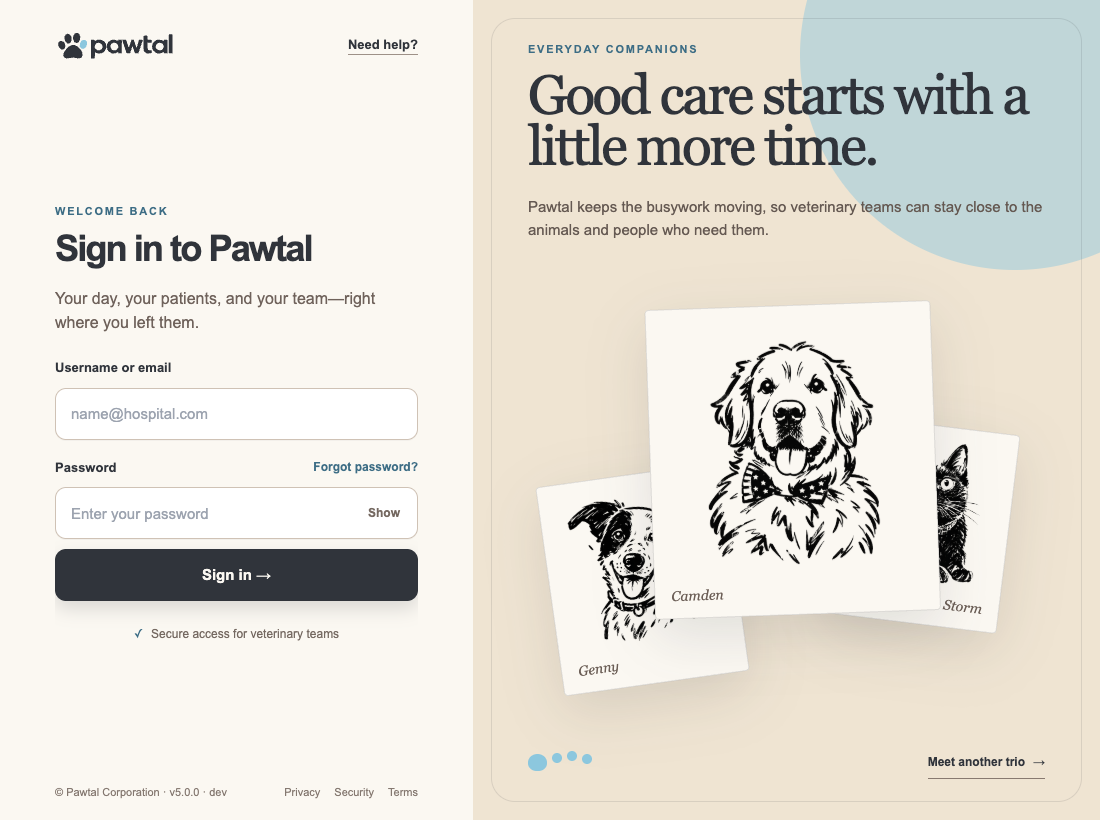
On a wide screen the page splits in two. Sign-in is on the left, on a warm white panel, with the Pawtal wordmark or your hospital’s logo. The Pawtal wordmark opens www.pawtal.com. The fields are labeled Username or email and Password. Forgot password? sits beside the password label. Sign in is the teal button and comes first. Privacy, Security, and Terms under the form are ordinary text links. Reset password and set password use a plain card, not a frosted one. Continue with Google sits under a quiet “or” when Google sign-in is turned on. The right side is an oat-colored story panel with three hand-sketched pets at a time. Meet another trio shows the next three, and the portraits also change on their own. On a phone the story panel sits under the form. The sketches are pets from the hospitals using Pawtal. PACT, FETCH, and Rufferal keep their own logos, and their Sign in button is the same teal.
Step-by-step
- Open the invite email
Look for a message from your hospital with the subject line "Welcome to Pawtal". Click Set Your Password.
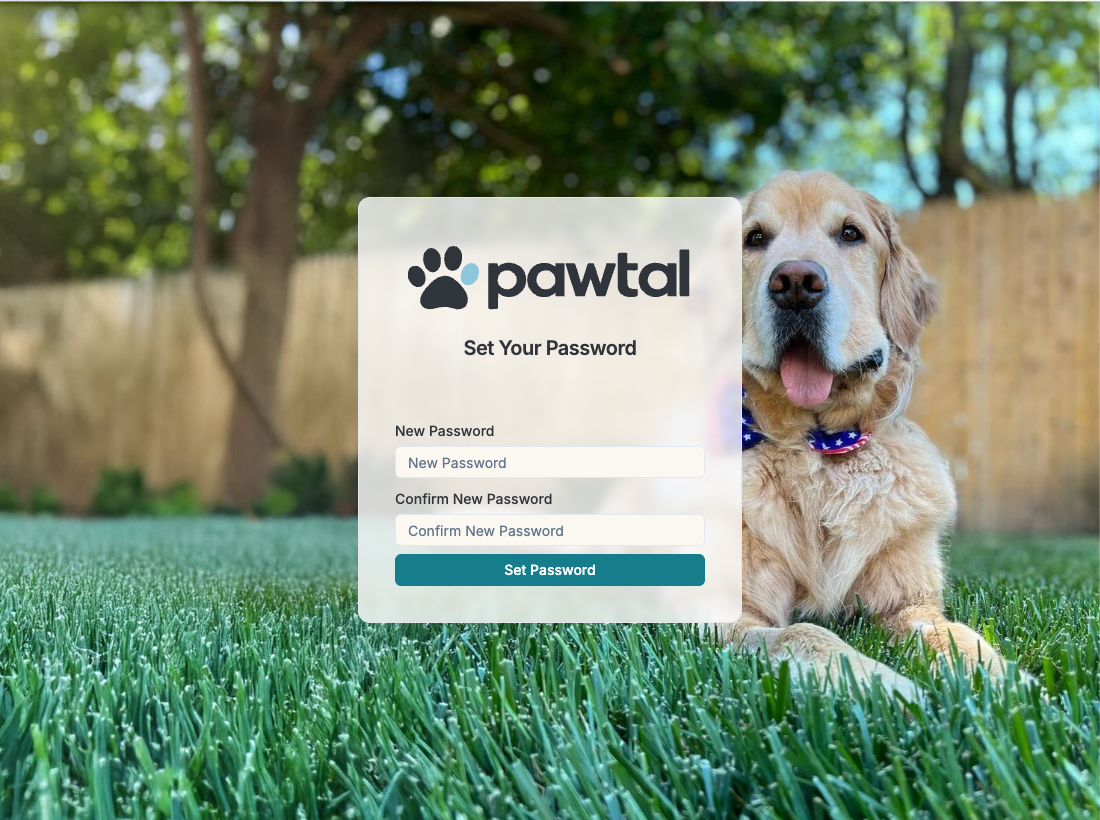
The invitation takes you to password setup. - Create a strong password
Minimum 12 characters, mixing letters, numbers, and a symbol. Don't reuse a password from another site.
Enter and confirm your new password here. - Sign in
Type your username or email, then your password, and choose Sign in. The name of each box is written above it. Continue with Google is under that button when the address is a Google account.
Enter your credentials and choose Sign in. - Bookmark your portal URL
Save it to your browser or your home screen so you can get back quickly.
Save the address of your hospital’s sign-in screen.
Tips
- If you didn't get an invite email, check spam, then ask your administrator to resend. Admins can do this from Admin → User Management.
- Always sign out on shared computers.
FAQ
I forgot my password. Click Forgot password? beside the password label, enter your email, and follow the link we send you.
My invite link expired. Ask an admin to resend your invite. Links expire after 72 hours.
I see "Checking your sign-in." and the page reloads. Pawtal could not confirm your session for a moment, usually because of a brief network or sign-in service hiccup. The page reloads by itself after two seconds. If it keeps happening, sign out and sign back in.
Can I sign in with Google?
Yes, when your hospital email is a Google account. Sign in with your password, or choose Continue with Google under the sign-in button. You can also let the browser sign you in automatically if you have used that Google account here before. The hospital still has to invite the address first. A personal Gmail that was never invited is turned away.
Related
- Notification preferences
- Troubleshooting FAQ